Website powered by

3D Coat for Beginners
  • 20h of fully narrated video tutorial 


Requirements

You should have 3D Coat 2022 and above installed on your computer.

I expect you to have some essential 3D experience.

Description

Do you want to know how to sculpt any model using the 3D Coat?

Then I welcome you to the Sculpting Voxel and Surface in 3D Coat for absolute beginners course.

INSTRUCTOR:

My name is Hamidreza Afshari and with years of experience in game and VFX, I'll be your instructor through this course.

By the end of this course,

  • You will be able to sculpt in both Voxel and Surface modes inside the 3D Coat
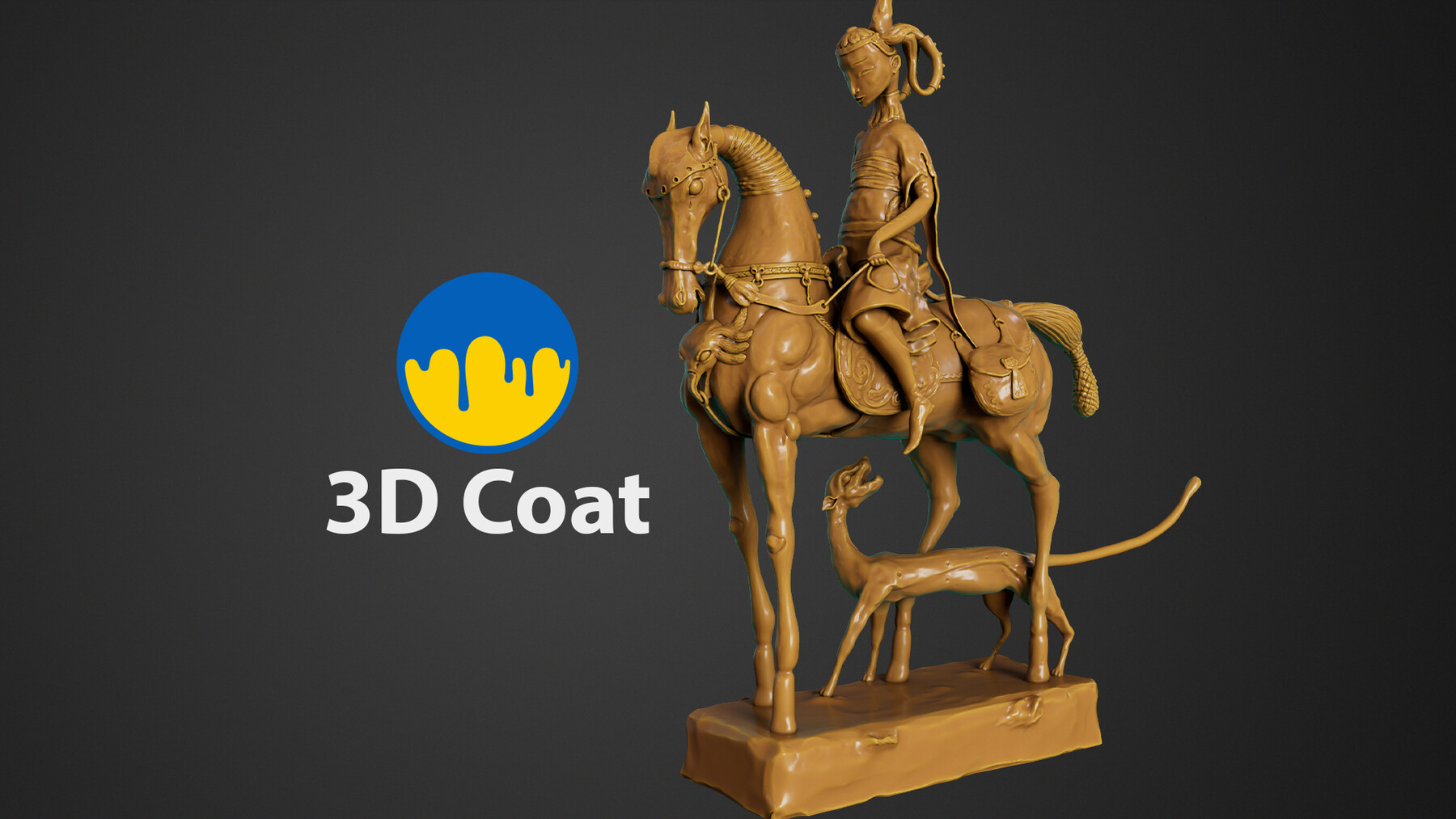
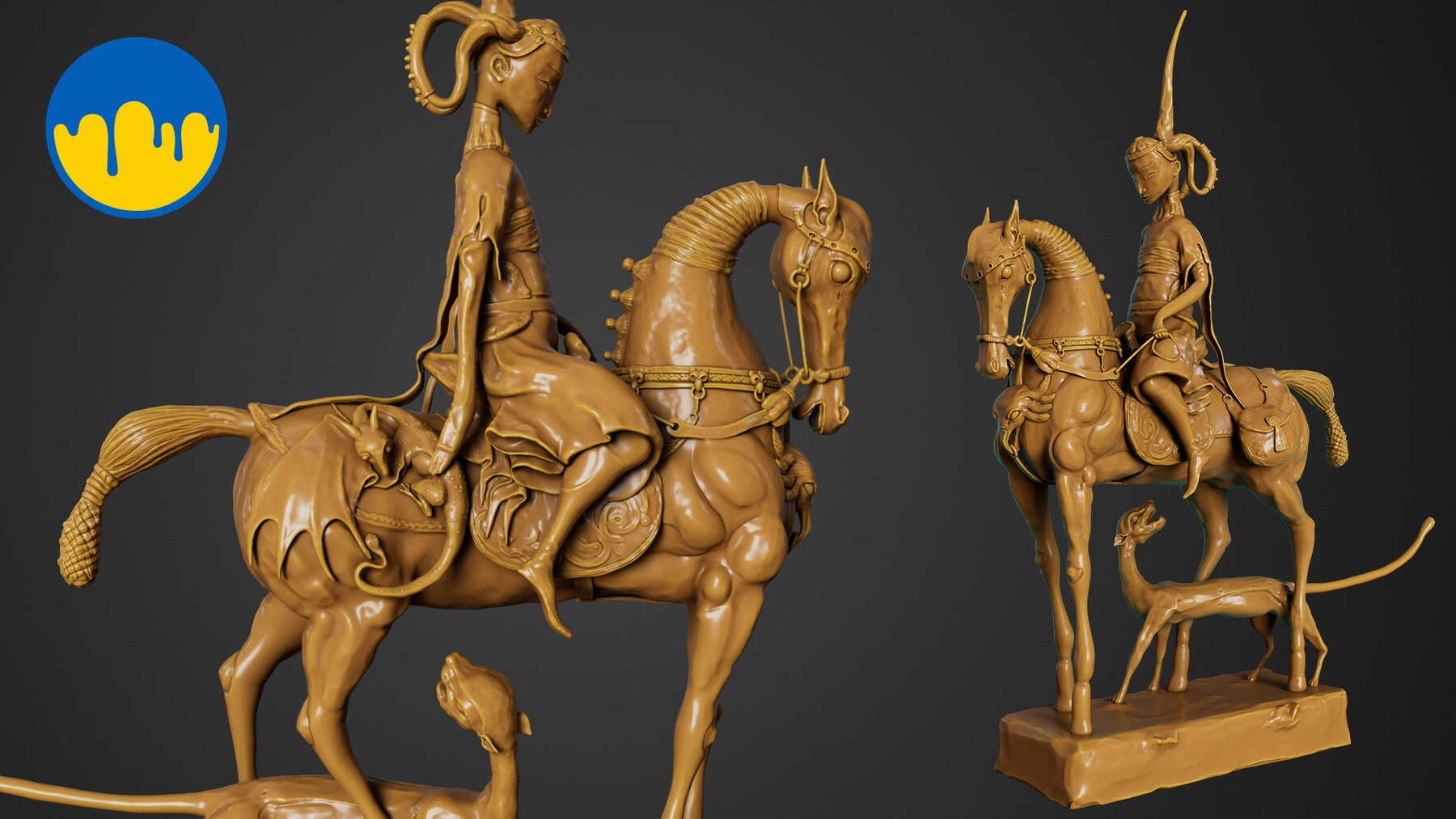
  • You will be able to make a beautiful render using the 3D Coat
  • You will be able to make new shaders and alter existing shaders inside the 3D Coat

WHAT YOU WILL LEARN:

  • How 3D Coat works.
  • Sculpting in Voxel Mode
  • Sculpting in Surface Mode
  • Working with shaders
  • Rendering

COURSE PROJECTS:

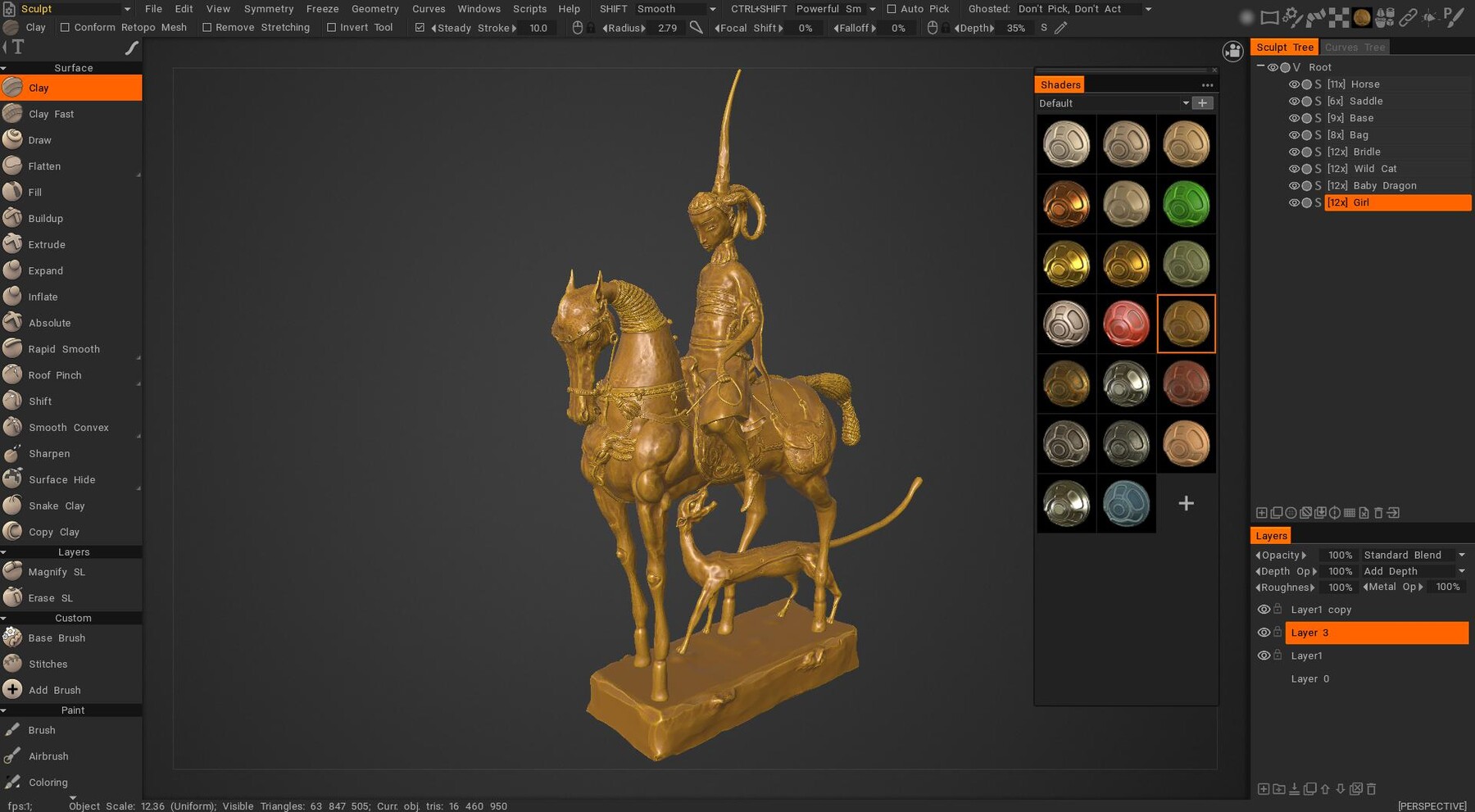
We will start Getting to know the 3D Coat and its environment. then we learn how to set up our reference image and project. after that, we will learn how to sculpt in both Voxel and Surface modes. After sculpting, we will learn how to work with shaders. Ultimately, we will learn how to make a beauty render using the 3D-Coat render engine.

IS THIS COURSE RIGHT FOR YOU:

This course is aimed at beginner-level students who want to learn how to use 3D Coat.

This is a starter course for beginners and it is designed to teach you whatever you need to start using 3D Coat in your projects.

WHO IS NOT THE IDEAL STUDENT:

This course is designed for absolute 3D Coat beginners.

WHAT SHOULD YOU KNOW OR HAVE FOR THE COURSE:

I expect you to have some essential 3D experience.

You should have 3D Coat 2022 and above installed on your computer.

JOIN ME NOW:

Join me and learn how to make a beautiful sculpture using the 3D Coat.


*Digital products are non-refundable

Requirements

You should have 3D Coat 2022 and above installed on your computer.

I expect you to have some essential 3D experience.

Description

Do you want to know how to sculpt any model using the 3D Coat?

Then I welcome you to the Sculpting Voxel and Surface in 3D Coat for absolute beginners course.

INSTRUCTOR:

My name is Hamidreza Afshari and with years of experience in game and VFX, I'll be your instructor through this course.

By the end of this course,

  • You will be able to sculpt in both Voxel and Surface modes inside the 3D Coat
  • You will be able to make a beautiful render using the 3D Coat
  • You will be able to make new shaders and alter existing shaders inside the 3D Coat

WHAT YOU WILL LEARN:

  • How 3D Coat works.
  • Sculpting in Voxel Mode
  • Sculpting in Surface Mode
  • Working with shaders
  • Rendering

COURSE PROJECTS:

We will start Getting to know the 3D Coat and its environment. then we learn how to set up our reference image and project. after that, we will learn how to sculpt in both Voxel and Surface modes. After sculpting, we will learn how to work with shaders. Ultimately, we will learn how to make a beauty render using the 3D-Coat render engine.

IS THIS COURSE RIGHT FOR YOU:

This course is aimed at beginner-level students who want to learn how to use 3D Coat.

This is a starter course for beginners and it is designed to teach you whatever you need to start using 3D Coat in your projects.

WHO IS NOT THE IDEAL STUDENT:

This course is designed for absolute 3D Coat beginners.

WHAT SHOULD YOU KNOW OR HAVE FOR THE COURSE:

I expect you to have some essential 3D experience.

You should have 3D Coat 2022 and above installed on your computer.

JOIN ME NOW:

Join me and learn how to make a beautiful sculpture using the 3D Coat.

Personal
$14.99
License: Standard License
Stock Assets

For personal use and one commercial project (up to 2,000 sales or 20,000 views).

Tutorials

One copy to be used by a single user.

Installable Tools

One installation by a single user.

Learn More
Files (45)
01 Promo
mp4 /
190 MB
02 Download Project Files
mp4 /
5.9 MB
03 Navigation
mp4 /
240 MB
04 How 3D Coat Works
mp4 /
450 MB
05 Horse Body Part01
mp4 /
240 MB
06 Horse Body Part02
mp4 /
240 MB
07 Girl Body Part01
mp4 /
510 MB
08 Girl Body Part02
mp4 /
360 MB
09 Making the Saddle
mp4 /
830 MB
10 Making the Dress Part01
mp4 /
890 MB
11 Making the Dress Part02
mp4 /
1000 MB
12 Body Split
mp4 /
1.1 GB
13 Adjusting the Left Hand
mp4 /
470 MB
14 Adding Details to the Horse Prt01
mp4 /
500 MB
15 Adding Details to the Horse Part02
mp4 /
400 MB
16 Adding Details to the Horse Part03
mp4 /
440 MB
17 Adding Details to the Horse Part04
mp4 /
680 MB
18 Adding Details to the Horse Part05
mp4 /
320 MB
19 Adding Details to the Horse Part06
mp4 /
480 MB
20 Adding Details to the Horse Part07
mp4 /
830 MB
21 Adding Details to the Horse Part08
mp4 /
1.2 GB
22 Adding Details to the Girl Part01
mp4 /
550 MB
23 Adding Details to the Girl Part02
mp4 /
550 MB
24 Adding Details to the Girl Part03
mp4 /
770 MB
25 Adding Details to the Girl Part04
mp4 /
680 MB
26 Adding Details to the Girl Part05
mp4 /
910 MB
27 Making the Wild Cat Part01
mp4 /
270 MB
28 Making the Wild Cat Part02
mp4 /
160 MB
29 Making the Wild Cat Part03
mp4 /
620 MB
30 Making the Wild Cat Part04
mp4 /
500 MB
31 Making the Baby Dragon Part01
mp4 /
270 MB
32 Making the Baby Dragon Part02
mp4 /
310 MB
33 Making the Baby Dragon Part03
mp4 /
670 MB
34 Making the Baby Dragon Part04
mp4 /
400 MB
35 Adjustment Part01
mp4 /
540 MB
36 Adjustment Part02
mp4 /
370 MB
37 Surface Details Part01
mp4 /
220 MB
38 Surface Details Part02
mp4 /
150 MB
39 Surface Details Part03
mp4 /
230 MB
40 Surface Details Part04
mp4 /
350 MB
41 Surface Details Part05
mp4 /
300 MB
42 Surface Details Part06
mp4 /
400 MB
43 Rendering
mp4 /
110 MB
44 Thank you
mp4 /
79 MB
Project files
zip /
690 MB
Commercial
$80
License: Standard License
Stock Assets

For personal use and one commercial project (up to 2,000 sales or 20,000 views).

Tutorials

One copy to be used by a single user.

Installable Tools

One installation by a single user.

Learn More
Files (45)
01 Promo
mp4 /
190 MB
02 Download Project Files
mp4 /
5.9 MB
03 Navigation
mp4 /
240 MB
04 How 3D Coat Works
mp4 /
450 MB
05 Horse Body Part01
mp4 /
240 MB
06 Horse Body Part02
mp4 /
240 MB
07 Girl Body Part01
mp4 /
510 MB
08 Girl Body Part02
mp4 /
360 MB
09 Making the Saddle
mp4 /
830 MB
10 Making the Dress Part01
mp4 /
890 MB
11 Making the Dress Part02
mp4 /
1000 MB
12 Body Split
mp4 /
1.1 GB
13 Adjusting the Left Hand
mp4 /
470 MB
14 Adding Details to the Horse Prt01
mp4 /
500 MB
15 Adding Details to the Horse Part02
mp4 /
400 MB
16 Adding Details to the Horse Part03
mp4 /
440 MB
17 Adding Details to the Horse Part04
mp4 /
680 MB
18 Adding Details to the Horse Part05
mp4 /
320 MB
19 Adding Details to the Horse Part06
mp4 /
480 MB
20 Adding Details to the Horse Part07
mp4 /
830 MB
21 Adding Details to the Horse Part08
mp4 /
1.2 GB
22 Adding Details to the Girl Part01
mp4 /
550 MB
23 Adding Details to the Girl Part02
mp4 /
550 MB
24 Adding Details to the Girl Part03
mp4 /
770 MB
25 Adding Details to the Girl Part04
mp4 /
680 MB
26 Adding Details to the Girl Part05
mp4 /
910 MB
27 Making the Wild Cat Part01
mp4 /
270 MB
28 Making the Wild Cat Part02
mp4 /
160 MB
29 Making the Wild Cat Part03
mp4 /
620 MB
30 Making the Wild Cat Part04
mp4 /
500 MB
31 Making the Baby Dragon Part01
mp4 /
270 MB
32 Making the Baby Dragon Part02
mp4 /
310 MB
33 Making the Baby Dragon Part03
mp4 /
670 MB
34 Making the Baby Dragon Part04
mp4 /
400 MB
35 Adjustment Part01
mp4 /
540 MB
36 Adjustment Part02
mp4 /
370 MB
37 Surface Details Part01
mp4 /
220 MB
38 Surface Details Part02
mp4 /
150 MB
39 Surface Details Part03
mp4 /
230 MB
40 Surface Details Part04
mp4 /
350 MB
41 Surface Details Part05
mp4 /
300 MB
42 Surface Details Part06
mp4 /
400 MB
43 Rendering
mp4 /
110 MB
44 Thank you
mp4 /
79 MB
Project files
zip /
690 MB